One list per synth
Serum, Vital, Sylenth1, Massive, Diva, Spire and Phase Plant each get their own list, with the number of packs installed. A plugin you save presets from gets its own list too.

Preset Manager
Sonora lists the presets of each synth, lets you search and organize them, and opens them in the Plugin Host with a double-click.
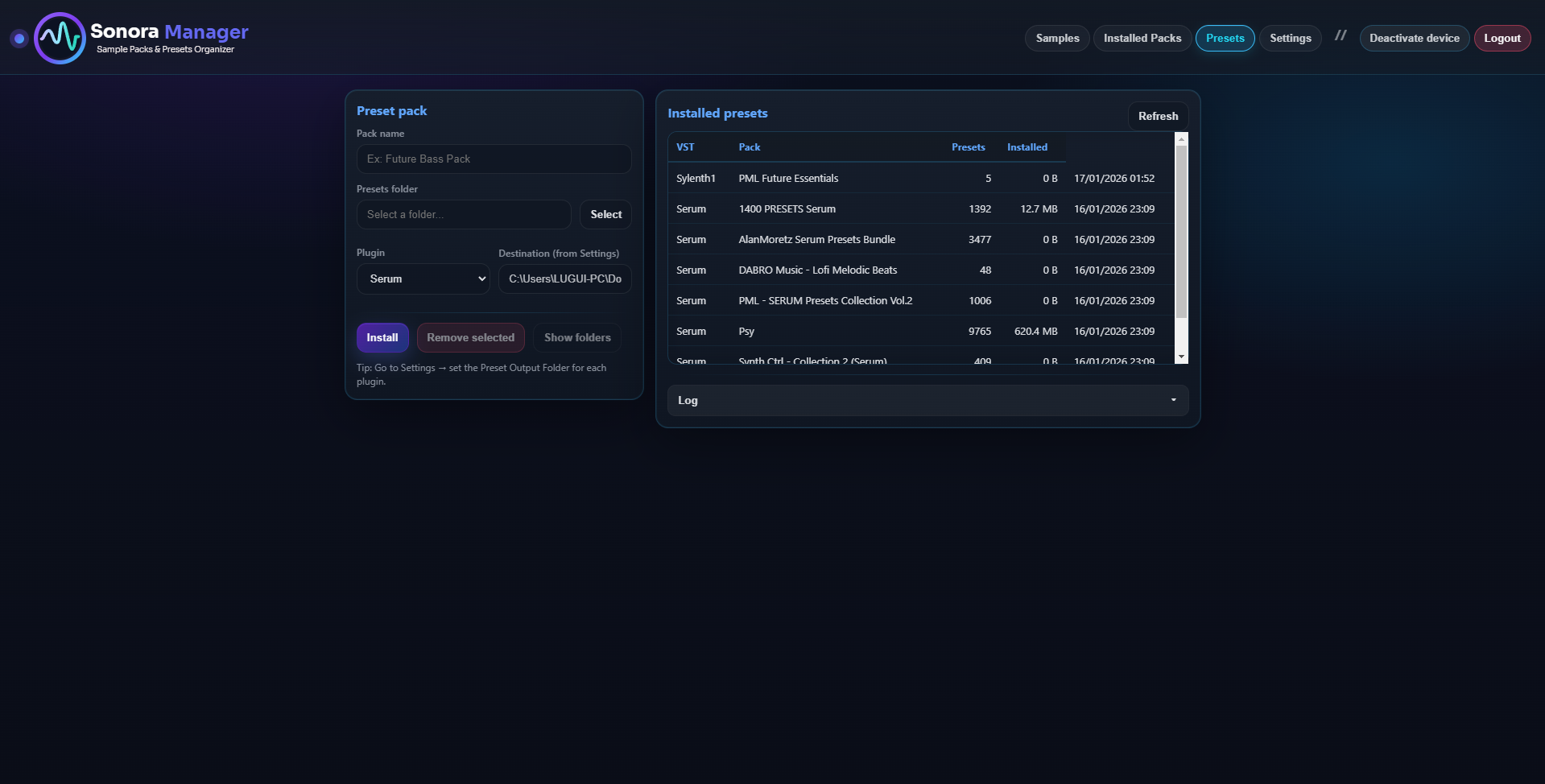
Serum, Vital, Sylenth1, Massive, Diva, Spire and Phase Plant each get their own list, with the number of packs installed. A plugin you save presets from gets its own list too.
Type a name to find a preset, then narrow the list to one synth.
Star the presets you reach for. In the Plugin Host list, one switch shows only your favorites.
Group presets into collections of your own, across packs.
Save the current sound of a synth as a new preset, then rename, duplicate or delete it.
Each plugin you save presets from gets a My presets row with the presets you saved from the Plugin Host. Open them, add them to a collection or delete them from there.
Install a pack and see which packs you have and how many presets each one holds.
Pick a preset, double-click it, and the Plugin Host takes over.
The synth opens in the Plugin Host and the preset goes into it.
Serum 2 (.SerumPreset) · Diva (.h2p) · Sylenth1 and other VST2 synths (.fxp)
The synth opens and Sonora shows the preset file, ready to drag onto the synth window.
Vital · Massive · Spire · Phase Plant · other synths
Sonora lists the presets of Serum, Vital, Sylenth1, Massive, Diva, Spire and Phase Plant, plus any plugin you save presets from. Opening a preset in the Plugin Host applies it directly for Serum 2, Diva and VST2 synths such as Sylenth1 (.fxp files saved by that plugin), and by drag and drop for the others.
No. The Preset Manager organizes and searches your presets on its own. The Plugin Host is what opens them inside the plugin.
Yes. Tweak a sound in the synth, then save the current state as a preset from the Plugin Host.
In the Presets tab, under the plugin you saved them from, in a row called My presets.
Create your account and try it free for 14 days. No card needed.
Create accountTry Sonora Manager free for 14 days
Start free trial